Codes have been used for thousands of years to confirm someone’s identity, and modern passwords date to the 1960s. There’s no sign of them going away anytime soon, but password hygiene has improved over the years to keep up with increasingly sophisticated threats. Are your password policies and practices up to date?
What Is Password Hygiene?
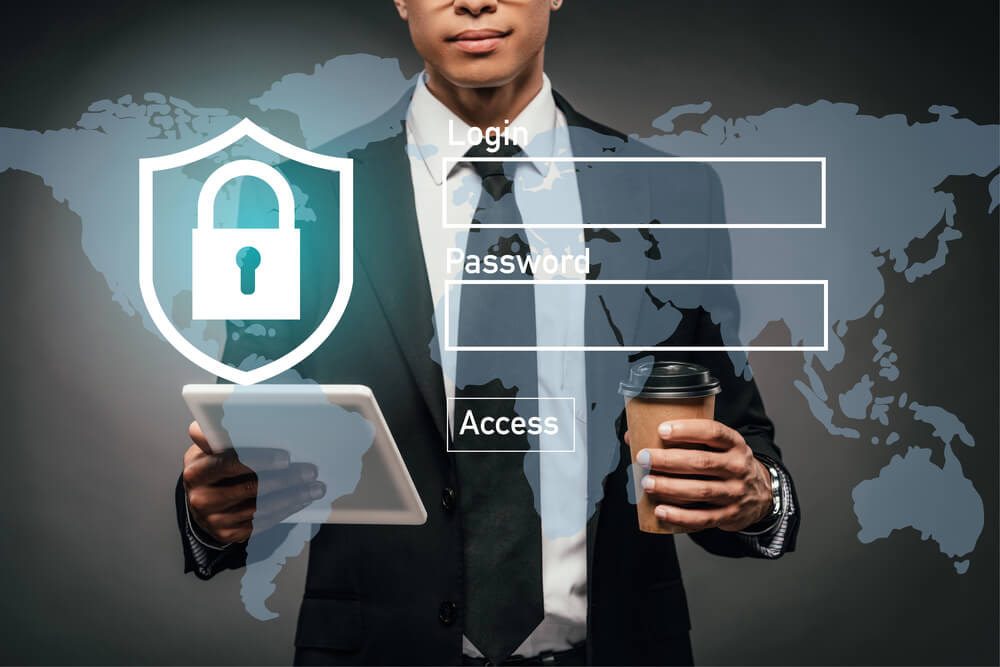
Password hygiene refers to the way users and organizations handle passwords. This includes:
- Creating strong passwords
- Keeping credentials safe and secure
- Managing passwords and password resets
- Enforcing password policies
Similar to how regularly washing with soap and water contributes to better health, maintaining good password hygiene strengthens your organization’s cybersecurity defenses.
Habits To Avoid
It’s also possible for employees to have poor password hygiene. Here are a few examples:
- Weak passwords: Choosing “password,” “AbCdEfG,” “firstname_lastname,” etc.
- Old passwords: Keeping the same password for years
- Copies in plain view: Putting sticky notes with written passwords on a desk or computer
- Shared passwords: Using the same password for work apps and personal accounts
Password hygiene needs to be an organization-wide priority, not just something you expect from IT workers.
What Password Hygiene Best Practices Should You Follow?
Experts agree on several password management best practices. These recommendations come from the NIST SP 800-63B cybersecurity framework, the U.S. Cybersecurity and Infrastructure Security Agency, and tech leaders like Microsoft.
1. Use Longer Passwords, Not Confusing Passwords
The longer the password, the harder it is for hackers or AI programs to guess it. Ideally, passwords should be 12 to 14 characters long, and eight characters is the absolute minimum.
What should a long password look like? The latest recommendations may surprise you:
- Good: Dog-Rainbow-Ruby
- Excellent: Energetic(Nemo(Bacon)Drive)
- Bad: 1one4FOUR
- Not good: H$4y#zM@22r7
The last example looks strong, but in reality, employees would probably need to write it down somewhere, weakening security. Only require complex passwords if your company has a password manager.
2. Encourage Employees To Use a Password Manager
Wait, but isn’t storing passwords somewhere a security risk? Password managers are an exception because they use encryption and user authentication. The security benefits of having workers use practically unguessable passwords for all browsing activity are worth it.
Employees only need to remember one master password or PIN code, and they can sign in securely every time. Password managers are compatible with multi-factor authentication for even greater security.
3. Make MFA Mandatory
MFA combines something employees know (e.g., a password or PIN) with something they have, like a smartphone or authenticator device. This multi-layer approach strengthens password hygiene because it means that hackers would also have to steal the physical authenticator to successfully log in.
When should you require an authenticator code? It depends on risk. Any admin logins or configuration settings should always require MFA. The same goes for access to sensitive data or systems that can compromise security, such as CCTV cameras and network devices.
4. Change Passwords Periodically, But Not Frequently
NIST no longer recommends frequent changes as part of password hygiene best practices, at least not for most users. That said, it’s still good to change passwords once or twice a year. Depending on the risk, administrators should do it more frequently.
Employees need a new password if any of their accounts (personal or business) have been breached or leaked. Even if your IT department only suspects some credentials have been exposed, you should force a password change ASAP.
How Can You Maintain Good Password Hygiene Habits As an Organization?

Considering that many enterprises have tens of thousands of employees, enforcing password hygiene best practices should be a priority. Here’s how.
5. Automatically Prevent Employees From Creating Weak Passwords
Your organization’s SaaS platforms and applications should automatically block attempts to create weak or common passwords. You can add passwords from past breaches to this list.
6. Regularly Cover Password Hygiene in Security Awareness Training
Make password security a major compliance training topic. Teach workers how to avoid common mistakes. Share practice password hygiene tips. Include hands-on training for all employees, including executives.
7. Measure Where Greater Password Security Is Needed
Considering how important access control is for cybersecurity, it makes sense to include password hygiene in your risk management lifecycle. Determine which roles pose the greatest risk if passwords are lost or stolen. Flag employees who frequently request password resets, and help them improve.
8. Take Password Management Seriously
Your organization likely performs regular security audits for network systems and application configurations. What about passwords? Reviewing password strength, MFA adoption, credentials violations, and other risk management metrics can identify warning signs before it’s too late.
9. Set Up Single Sign-On
SSO authentication lets employees use a single password for all company applications. This reduces the chances of lost or stolen passwords. SSO is good for security as long as you pair it with MFA.
Why Is Password Hygiene Important for Cybersecurity?
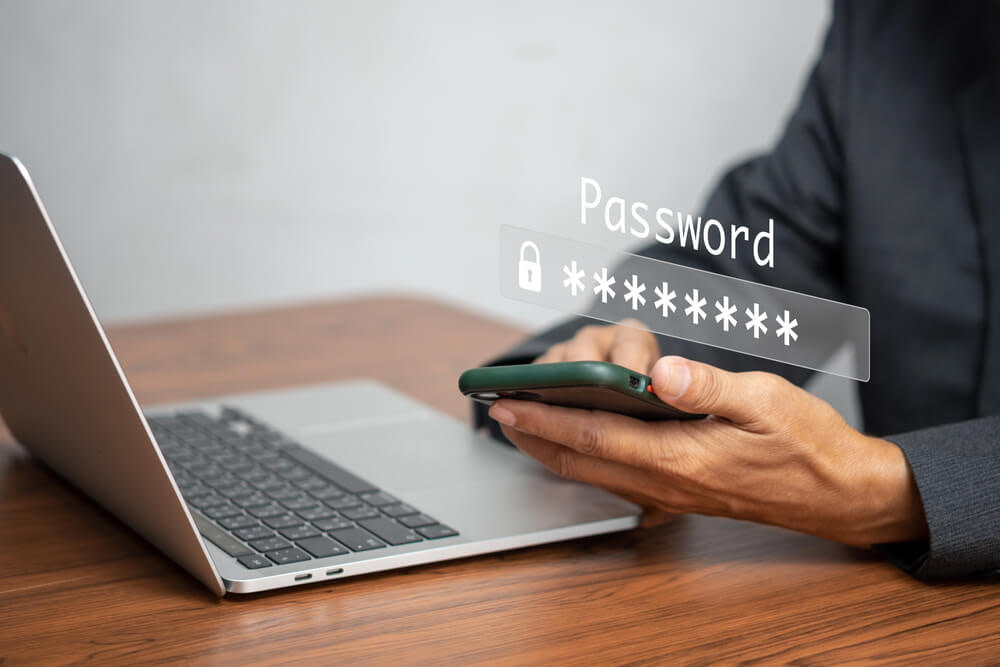
Imagine how devastating it would be if factory workers left the loading dock doors wide open at night. Now imagine that it happened for weeks. A break-in would be practically guaranteed. Similarly, weak passwords invite bad actors to harm your business.
Data Breach Statistics
A 2020 report by Verizon found that hacking was responsible for nearly half of data breaches. Some hacks took advantage of vulnerabilities, but the vast majority (about 80%) involved stolen credentials or weak passwords. In other words, good password hygiene could have massively reduced the number of successful cyberattacks.
Insider Threats: The Ticketmaster Example
It’s not just end users who have the responsibility to follow password hygiene best practices. Organizations also need strong authentication standards.
In 2020, the U.S. Department of Justice fined Ticketmaster $10 million for illegally entering a competitor’s systems. How did it get login credentials? Several former employees went to work for Ticketmaster and handed over their passwords.
Make sure your company has a robust password policy that includes security measures like deactivating passwords when workers quit.
Monitor Password Hygiene for Compliance and Risk Management
When your organization has hundreds or thousands of workers, managing password hygiene can be time-consuming and challenging. Compyl’s data automation and centralization tools simplify monitoring and deliver the accuracy you need to enforce password policies effectively.
Request a demo to see how Compyl’s risk management solutions strengthen enterprise cybersecurity and compliance.