Choosing a GRC platform is easier when you know what problems you’re trying to solve before you start comparing features.
Key Takeaways
- Before comparing GRC platforms, define the specific problems your team needs to solve.
- Strong GRC tools help teams map one control to related requirements across several frameworks. For example, an access control may support parts of SOC 2, ISO 27001, HIPAA, or GDPR, which can reduce duplicate work across compliance programs.
- Automation in a GRC platform should reduce repetitive tasks like evidence requests and control reminders, but human review and ownership still need to stay in place.
- The subscription price is rarely the full cost of a GRC platform. Implementation, training, additional modules, and growth in users or frameworks can significantly affect the total investment over time.
A GRC system is the structure an organization uses to manage governance, risk, and compliance work. The best practices for choosing a GRC platform start with a common problem: GRC work rarely lives in one clean system.
Risk owners use spreadsheets. Compliance teams chase evidence through email. Security teams manage controls in separate tools. Leaders ask for clear reporting, but the data often takes too long to collect and verify. A GRC platform should reduce that friction, but only if the organization chooses one with the right fit.
What Are the Best Practices for Choosing a GRC Platform?
Knowing how to choose a GRC tool starts with identifying the problems your team needs to solve. Teams should evaluate daily usability and framework support before getting pulled into feature comparisons. Automation, integrations, reporting, security, and long-term cost still matter, but they should be judged by how well they support real compliance work.
1. Define the Problems Your GRC Platform Needs To Solve
Start by naming the problems your team needs to fix. A platform chosen for vague reasons will be hard to evaluate and harder to justify later.
Define the current pain points first. Then connect each one to a clear goal, such as reducing manual evidence requests, improving control ownership, or giving leadership a current view of compliance status.
2. Involve the Teams That Will Use the Platform
A GRC platform affects more than the compliance team. Security, IT, legal, finance, operations, HR, and department leaders may all use the system or contribute evidence.
Involving these teams helps you understand how work actually gets done. A platform may appear to meet requirements during evaluation but still fall short if risk owners or control owners find it hard to use. GRC data becomes less reliable when people don’t keep tasks, evidence, and control information current.
Ask users what slows them down, what information they need, and what tasks could be handled through structured workflows. Their answers can help you separate useful features from unnecessary complexity.
3. Match the Platform to Your Compliance Frameworks
The right GRC platform should support the frameworks your organization manages today and the ones it may need next. Many controls overlap across frameworks, but the mapping can be difficult to manage manually.
For example, one access control may map to related requirements in more than one framework. A platform that shows those relationships can reduce duplicate work and help teams understand how one control supports multiple compliance programs.
Framework support should also be practical. Look for templates, control libraries, evidence tracking, policy links, and reporting that fit how your team prepares for audits.
4. Look for Automation That Reduces Manual Work
Automation should save time without removing human judgment. GRC work still requires review, ownership, and context. The GRC platform you choose should reduce repetitive tasks so teams can focus on risk decisions, control quality, and audit readiness.
Useful automation may include:
- Assigning recurring control tasks
- Requesting evidence from the right owner
- Sending reminders before due dates
- Pulling evidence from connected systems
- Tracking approvals and reviews
- Creating audit trails as work happens
A good automation feature should be easy to understand. If your team cannot explain how the automation works or who owns the output, it may create more risk than value.
5. Review Integrations With Your Existing Tech Stack
A GRC platform should connect with the systems where evidence and risk data already exist. Common integrations include identity providers, cloud systems, ticketing tools, and document storage. Depending on the organization, integrations with HR, code repositories, or endpoint tools may also matter.
Integrations reduce manual evidence collection and help teams validate control activity closer to the source. For example, the platform may be able to pull evidence from an identity provider or cloud environment instead of relying on quarterly screenshots. Review is still needed, but system-based evidence can improve consistency and reduce last-minute audit prep.
6. Evaluate Reporting, Dashboards, and Risk Visibility
Reporting should help leaders understand risk and compliance status without digging through raw data. Dashboards should show:
- What is current
- What is overdue
- What needs attention
- Where risk is increasing
The most useful dashboards connect metrics to decisions rather than overwhelming leaders with charts and raw data. A GRC platform should give leadership enough visibility to ask better questions and act on what they find.
7. Consider Security, Scalability, and AI Governance
A GRC platform holds some of the most sensitive information in an organization, including controls, risks, vendor relationships, audit findings, and internal weaknesses. Security should be part of the evaluation from the start.
Review how the platform handles access controls, user roles, and data encryption. Also, look at audit logs and vendor security documentation. For regulated industries, ask where data is stored and how the vendor handles customer information.
Scalability matters too. A platform that works for one framework may not work as your organization adds new business units, expands into new markets, or faces more compliance requirements.
If the platform includes AI features, ask clear questions about how those features work. Teams should understand whether customer data is used to train or improve models. They should also ask how AI-generated outputs are reviewed and what controls help reduce inaccurate or unsupported recommendations.
8. Compare Total Cost, Not Just the Subscription Price
The total cost of a GRC platform goes beyond the subscription price. Implementation, integrations, training, and configuration can all add to the investment, and pricing may shift as your team adds frameworks, users, or integrations over time.
A platform that requires heavy manual work can also create indirect costs across compliance, security, and IT teams that never appear in the original quote. Ask vendors what’s included before you sign and what triggers additional fees down the line.
What Features Should a Modern GRC Platform Include?

A modern GRC platform should help teams manage controls and collect evidence in a more organized way. It should also support ongoing compliance monitoring and audit preparation. The exact feature set depends on the business, but regulated organizations usually need a few core capabilities.
Continuous Controls Monitoring
Continuous controls monitoring helps teams track whether controls are working over time. Instead of waiting until audit prep begins, the platform can help identify missing evidence, failed checks, or overdue control tasks earlier.
Framework and Control Mapping
Framework and control mapping reduce duplicate work. Many frameworks ask for similar controls, but the wording and evidence requirements may differ.
A GRC platform should help teams connect one control to several requirements when appropriate. This gives the organization a clearer view of how controls support compliance across multiple programs.
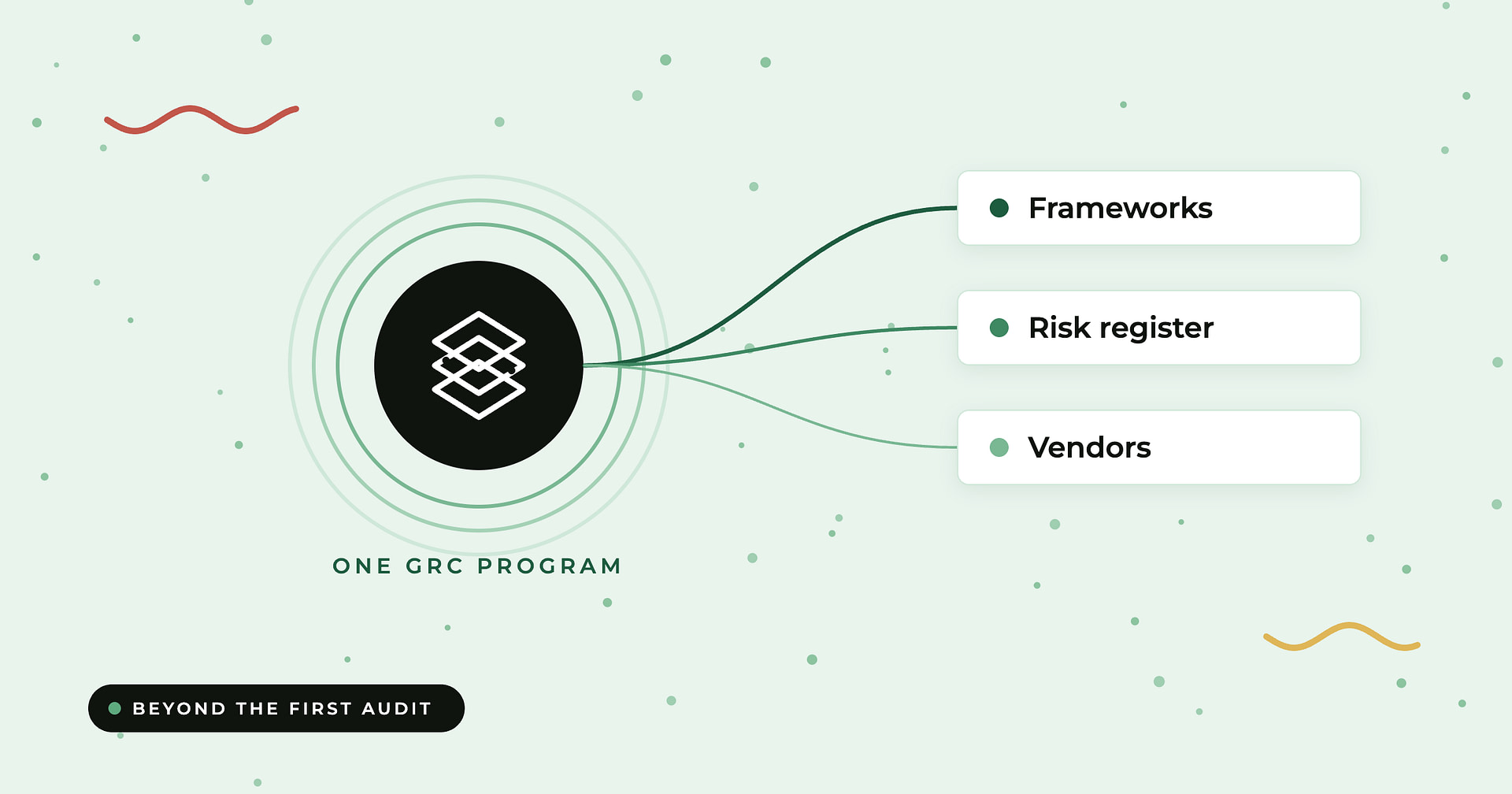
This is also where a GRC tool can support better organization. Instead of managing each framework as a separate project, teams can connect risks, controls, owners, evidence, and audits in one place.
Evidence Collection and Audit Trails
Evidence collection is one of the most time-consuming parts of compliance work. A modern platform should make it easier to request, collect, review, and store evidence.
Audit trails support that process by showing when evidence was collected, who reviewed it, what changed, and how issues were resolved. That record gives auditors, leadership, and customers a basis for trusting the compliance program behind the certificate.
Compyl Can Simplify GRC Platform Management

The best practices for choosing a GRC platform should lead to a system your team can use consistently, not just a tool that checks boxes during procurement. Compyl helps organizations manage GRC work by bringing compliance tasks, control mapping, evidence collection, and audit preparation into one connected workflow. Teams get clearer visibility into what needs attention, who owns each task, and where gaps exist without relying on spreadsheets and email threads to keep things moving.
If your organization is comparing options and wants one of the best GRC platforms for compliance management, request a demo of Compyl to help centralize GRC workflows, improve accountability, and support audit readiness.